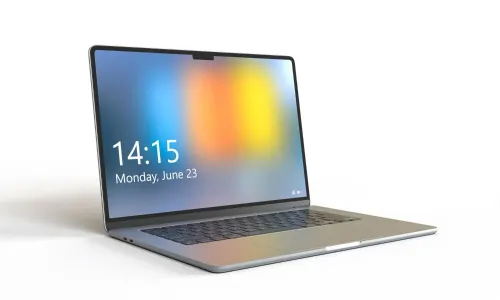
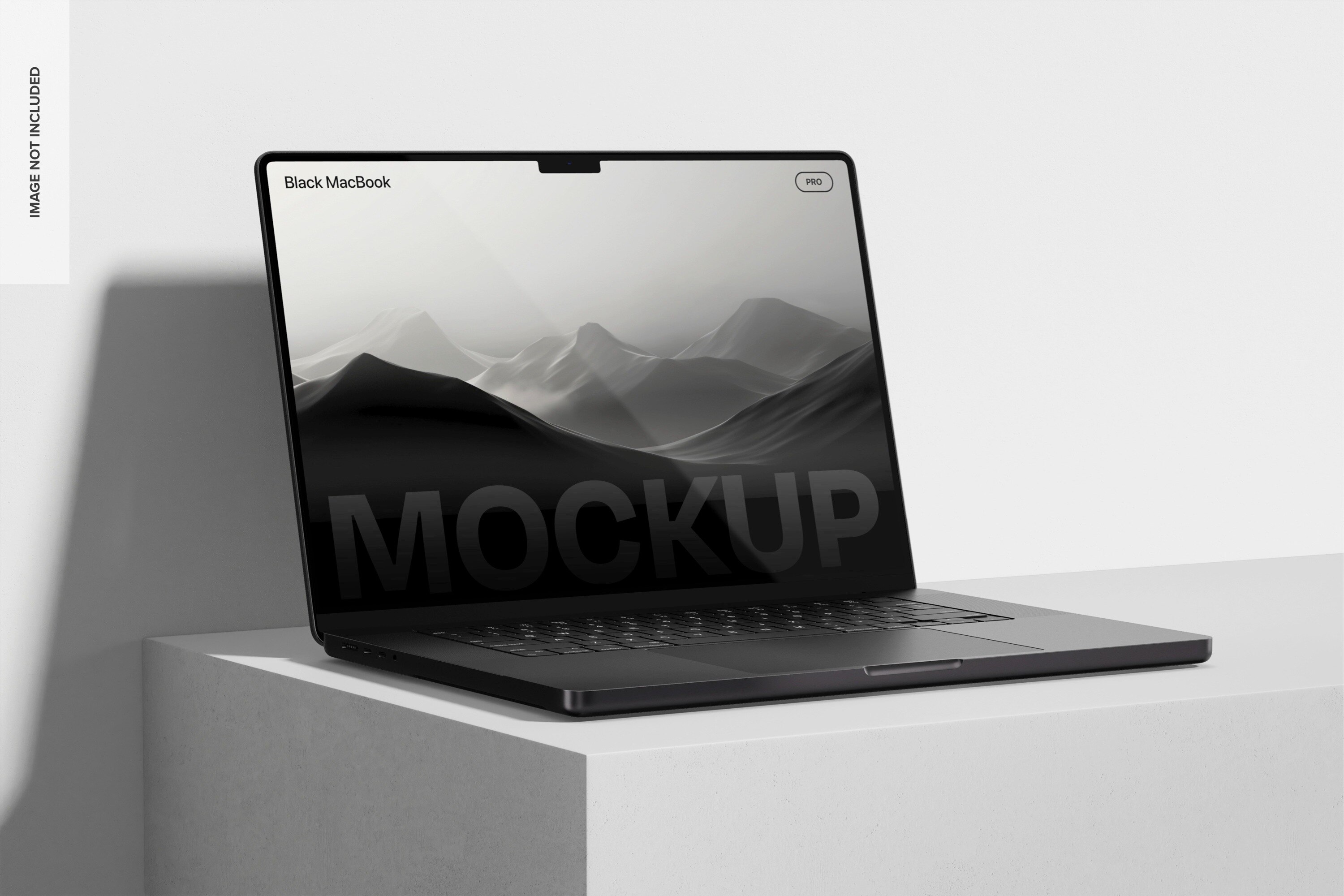
A business MacBook rental starts with a written specification, not a request for “a MacBook,” and ends only when the device is returned with a documented condition report. You will be able to identify the right configuration, approve the commercial terms, prepare the user, verify the handover, and close the rental without avoidable billing or data disputes.
Key takeaways
- Submit the model, dates, quantity, delivery address, and business contact details.
- Treat the booking as binding only after written terms and payment confirmation.
- Check the MacBook’s model, condition, accessories, and serial number at handover.
- Get written return confirmation to stop further rental charges.
What information do you submit for the initial availability check?
This is what happens when booking macbook on rent in gurugram begins: you submit a written availability enquiry. “MacBook” alone is insufficient because Air and Pro models differ in performance, ports, displays, and sustained-work capability.
| MacBook choice | Performance and use | Details to specify |
|---|---|---|
| MacBook Air | Portable work, office applications, and light creative tasks | Chip tier, unified memory, SSD, screen size |
| MacBook Pro | Sustained workloads, heavier creative work, and demanding development | Chip tier, unified memory, SSD, screen size, ports |
Include these requirements:
- MacBook Air or MacBook Pro configuration, Apple silicon generation and chip tier, unified memory, SSD capacity, screen size, macOS version, quantity, rental start and end dates, delivery address, intended workload, and required accessories or software.
- Legal company name, authorised contact, phone number, email, billing address, GSTIN where applicable, purchase-order or cost-centre details, recipient name, office floor, security restrictions, and whether an authorised representative may accept delivery.
The provider then checks stock, configuration, dates, and whether a serial-numbered unit can be allocated. Before treating availability as confirmed, ask for the proposed model, chip, RAM, SSD, battery maximum capacity and cycle count, macOS version, and asset identifier.
A payment or availability message alone does not identify the machine reserved for you. Request those details in writing before approving the quotation or arranging a critical project delivery.
Which quote and payment terms make the booking binding?
The booking becomes binding when the provider accepts your order under the rental agreement, receives the required advance payment or refundable security deposit, and allocates a serial-numbered MacBook. A payment receipt or availability message alone does not prove dispatch.
Request a written quotation before approval. It must show:
- Daily, weekly, or monthly rental charge and minimum rental period
- One-time delivery or pickup fees, GST and other taxes
- Refundable security deposit and advance payment
- Cancellation charges, extension pricing, and late-return charges
- Damage, loss, and replacement liability
- Included charger, accessories, software, and support
| Quote item | What to confirm | Why it matters |
|---|---|---|
| Rental price | Daily, weekly, monthly rates and minimum term | A low monthly figure is not comparable without the term |
| Payment | Advance amount, deposit, due date, GST and other taxes | Shows what you must pay before dispatch |
| Changes | Cancellation, extension, extra-day and late-return charges | Prevents unexpected billing |
| Risk and scope | Damage, loss, replacement liability, accessories and software | Defines your financial exposure |
Complete the provider’s KYC or credit checks, then have an authorised company signatory approve the rental agreement. Provide the legal entity name, billing address, GSTIN where applicable, purchase-order or cost-centre details, and request an invoice showing the rental service period and tax.
Ask how extensions are approved, when additional days are billed, and which dated document confirms the rental has ended. This is the practical macbook rental booking process gurugram businesses need to document.
How do you choose and prepare the MacBook before delivery?
Choose the MacBook against the assignment, not the product name. For how to rent macbook for business safely, compare these specifications before allocation:
| Specification | Compare | Check against |
|---|---|---|
| Apple silicon | Generation and M-series tier | Required performance and application compatibility |
| Unified memory and SSD | RAM and storage capacity | Minimums for applications, files, and free working space |
| Display | Screen size and resolution | Desk setup, travel, and visual work |
| Battery | Maximum capacity and cycle count | Agreed acceptance and return thresholds |
| Power and connections | Charger wattage, ports, and external-monitor support | Dock, display, storage, and charging requirements |
Run a fit test using the planned macOS version, Microsoft 365, Adobe applications, developer tools, VPN clients, endpoint protection, browser extensions, file formats, licence sign-ins, and administrator rights. Apple silicon compatibility matters: confirm current versions or approved alternatives before delivery.
Ask who handles macOS updates, user-account creation, encryption, software installation, charging, asset tagging, and removal of old accounts. Confirm whether the Mac is supervised or enrolled in MDM, whether Automated Device Enrollment applies, who controls remote-lock policies, and how management will be removed at return.
Before dispatch, require confirmation of the model, chip, RAM, SSD, operating-system version, accessories, serial or asset identifier, and activation status. On first boot, check that no previous user account remains and that Activation Lock is absent.
What happens during MacBook rental delivery and handover in Gurugram?
A macbook rental delivery gurugram booking is not ready for dispatch until the route and receiving authority are agreed. Confirm the delivery area, lead time, time window, exact address, floor, loading-bay or lift access, office-security procedure, recipient identity, and substitute signatory. Allow contingency time for an incorrect address, failed access, late arrival, or replacement device.
Before booking with US IT Services 09910672666, confirm what delivery, inspection, and handover support it actually provides. Ask for the serial number or asset identifier, not only an availability message.
At handover, compare the MacBook with the quotation and asset record:
| Item | Record or compare | Report if |
|---|---|---|
| Model and serial | MacBook model, chip, RAM, SSD, serial number | Details differ from the quotation |
| Hardware | Screen, keyboard, trackpad, ports, camera, microphone, speakers | Any fault, mark, or missing function |
| Battery and charger | Maximum capacity, cycle count, charger wattage or serial | Information is missing or inconsistent |
| Packaging and condition | Box, accessories, each exterior side | Damage, missing item, or opened packaging |
Photograph each side, the serial label, battery information, charger, packaging, and every defect with a timestamp. Record damage on the delivery note, send a dated report before signing acceptance, and retain proof of delivery plus the signed condition record.
Related product
 | MacBook on Rent | Premium Apple Laptops at Affordable Prices Looking for a MacBook on rent for business, creative work, education, or short-term projects? US IT... View product → |
How do you return the MacBook and stop further charges?
Stop further charges by completing data removal and obtaining dated written closure; physical pickup alone is not enough. Before handover, back up or transfer business files, sign out of Apple services, turn off Find My, remove company credentials and certificates, and use Erase All Content and Settings where appropriate.
- Confirm whether the MacBook is supervised, enrolled in MDM, or configured for Automated Device Enrollment. An organisation-managed Mac still needs the provider or MDM administrator to remove ownership and enrollment records; a local erase alone may leave management or Activation Lock active.
- Compare the MacBook, charger, cables, and accessories with the signed delivery condition report. Photograph the final condition, serial number, battery maximum capacity, cycle count, and any damage.
- Retain the pickup receipt or courier tracking number, then request written confirmation stating the pickup date, rental end date, and accepted damage assessment.
| Return check | Evidence to retain | Why it matters |
|---|---|---|
| Device and accessories | Signed comparison and dated photographs | Separates new damage from recorded condition |
| Battery | Maximum capacity and cycle count at return | Supports an agreed exclusion for ordinary battery ageing |
| Billing | Invoice showing rental service period and applicable tax | A payment receipt alone does not prove the rental ended |
Agree the battery-ageing treatment before return. Without a dated return acknowledgement, billing or a deposit dispute can continue after collection.
Frequently asked questions
What information do you submit for the initial availability check?
Send the exact MacBook type, required configuration, quantity, rental start and end dates, delivery address in Gurugram, billing details, and a contact person. State whether you need accessories, software, setup, or user accounts.
Which quote and payment terms make the booking binding?
Ask for a written quote showing the model, specification, rental period, rate, taxes, security deposit, delivery charges, replacement terms, cancellation rules, and payment due date. Confirm the booking only after you accept those terms and receive payment or deposit confirmation.
How do you choose and prepare the MacBook before delivery?
Match the MacBook Air or Pro, chip, memory, storage, screen size, ports, and operating-system requirements to the workload. Prepare an account and backup plan, and request the required charger, adapters, software, and accessories before dispatch.
What happens during MacBook rental delivery and handover in Gurugram?
Check the model, serial number, physical condition, display, keyboard, trackpad, ports, charger, and included accessories against the handover record. Record visible damage immediately and keep a signed or digitally acknowledged delivery document.
How do you return the MacBook and stop further charges?
Back up your files, sign out of Apple ID and other accounts, remove company data, and return the MacBook with its listed accessories. Request a written pickup receipt and confirmation that the rental has closed, then retain both documents.
Keywords