The cheaper-looking option can become expensive after GST, deposits, accessories, data plans, repairs, and resale value are counted. You will be able to calculate the break-even point, match a Samsung model to your workload, and check a rental quote before committing your startup’s cash or data.
Key takeaways
- Rent when the project has a clear end date.
- Calculate productive-use months before comparing rent with purchase.
- Match RAM, storage, connectivity and accessories to the work.
- Require damage, replacement, security and return terms in writing.
When does renting cost less than buying?
A Gurugram startup should rent when the project has a clear end date and buy when the same employees will use the same tablets continuously across multiple projects. For samsung tab on rent or buy for startups gurugram, calculate months of productive use, not the number of employees.
Effective buy cost = purchase price plus GST, cases, chargers, keyboards, S Pens, repairs, support, device-management fees and SIMs, minus expected resale value. Effective rental cost = rental charges plus GST on each invoice, delivery, pickup, protection or insurance, damage liability, data, return fees and any retained deposit.
A refundable deposit is not a final cost, but it affects cash flow and becomes a cost if damage or loss deductions apply.
Buy cost ÷ monthly rental cost gives an initial break-even duration. Replace the headline rate with the complete monthly equivalent before deciding.
| Option | Usually fits | Cost risk to check |
|---|---|---|
| Rent | Pilot, client deployment, training batch, event or temporary workforce | Minimum term, deposit, logistics, damage and late-return fees |
| Buy | Continuous use across several projects | Repairs, support, management, SIMs and resale loss |
For tablet rental for startups, request daily, weekly and monthly rates, then compare:
- Rent if utilisation ends after the defined project or headcount spike.
- Buy if devices remain productive for the same team beyond the break-even period.
- Ask your accountant how Ind AS 116 applies; a rental label does not settle lease treatment.
- Verify GST input-tax-credit eligibility from the invoice, supplier GST details, place of supply, tax rate and documented business use.
Which Samsung tablet configuration fits the work?
Choose the model by workflow, not by the Samsung badge. A practical shortlist looks like this:
| Workload | Suitable configuration | Check before ordering |
|---|---|---|
| Field forms, scans, signatures, POS | Galaxy Tab S9 FE, 10.9-inch, 6GB/128GB or 8GB/256GB, Wi-Fi or 5G | S Pen, camera focus, touch response, biometric unlock, battery health |
| CRM, video calls, dashboards | Galaxy Tab S9, 11-inch, 8GB/128GB or 12GB/256GB, Wi-Fi or 5G | Microphones, speakers, Wi-Fi stability, DeX, USB-C video output |
| Presentations and heavy multitasking | Galaxy Tab S9+, 12.4-inch, 12GB/256GB, Wi-Fi or 5G | Monitor, adapter, keyboard and application compatibility |
Put the exact model, screen size, RAM, storage, Android version, current security-patch date, Wi-Fi or 4G/5G, USB-C charging, S Pen support, biometric method, and battery condition in the request. Confirm keyboard compatibility and whether the quoted unit supports Samsung DeX.
DeX provides a desktop-style Android workspace, not an automatic laptop replacement. Test the exact tablet, monitor, USB-C adapter, keyboard, CRM, POS and video-call applications in resizable and multi-window modes.
For a samsung tab rental gurugram requirement, remember that Wi-Fi-only units need a hotspot outside the office. LTE or 5G units need SIM provisioning, data plans, APN settings and coverage tests at every field location.
A business tablet rental quote must also identify Samsung’s published security-update scope for the exact model and region; a newer-looking tablet is not proof of a long support runway.
What must a written rental quote include?
A headline monthly rate hides the terms that determine your bill. For a Samsung tab rental Gurugram comparison, send every supplier the same model specification and project dates, then request an itemized quote.
| Quote area | Require in writing | Why it changes the decision |
|---|---|---|
| Device and rate | Exact model, RAM, storage, Wi-Fi or LTE/5G, accessories, per-day, weekly and monthly rates, minimum term and notice period | Prevents unlike-for-like pricing |
| Charges and exit | Security deposit, GST, delivery, pickup, cancellation, extension, late-return, loss or theft liability and accessory replacement prices | Reveals the effective total |
| Protection and support | Damage-assessment method, accidental-damage cover, replacement standard, replacement SLA, lead time, swap arrangements and support contact | Defines your downtime and liability |
Ask whether chargers, cases, keyboards, S Pens, stands, SIMs, data plans, spare units, device-management enrollment and configuration are included or billed separately. Define whether a replacement is the same model or merely an equivalent screen size, and price every replacement accessory in the contract.
For a startup deciding whether to rent Samsung tablets for office use, US IT Services 09910672666 should receive the same written specification as competing suppliers. Confirm the minimum working-device pool and swap process before signing: one failed tablet, charger or S Pen can stop a field team.
Insist that extension rates and late fees apply from named dates, not an undefined “renewal” period.
Related product
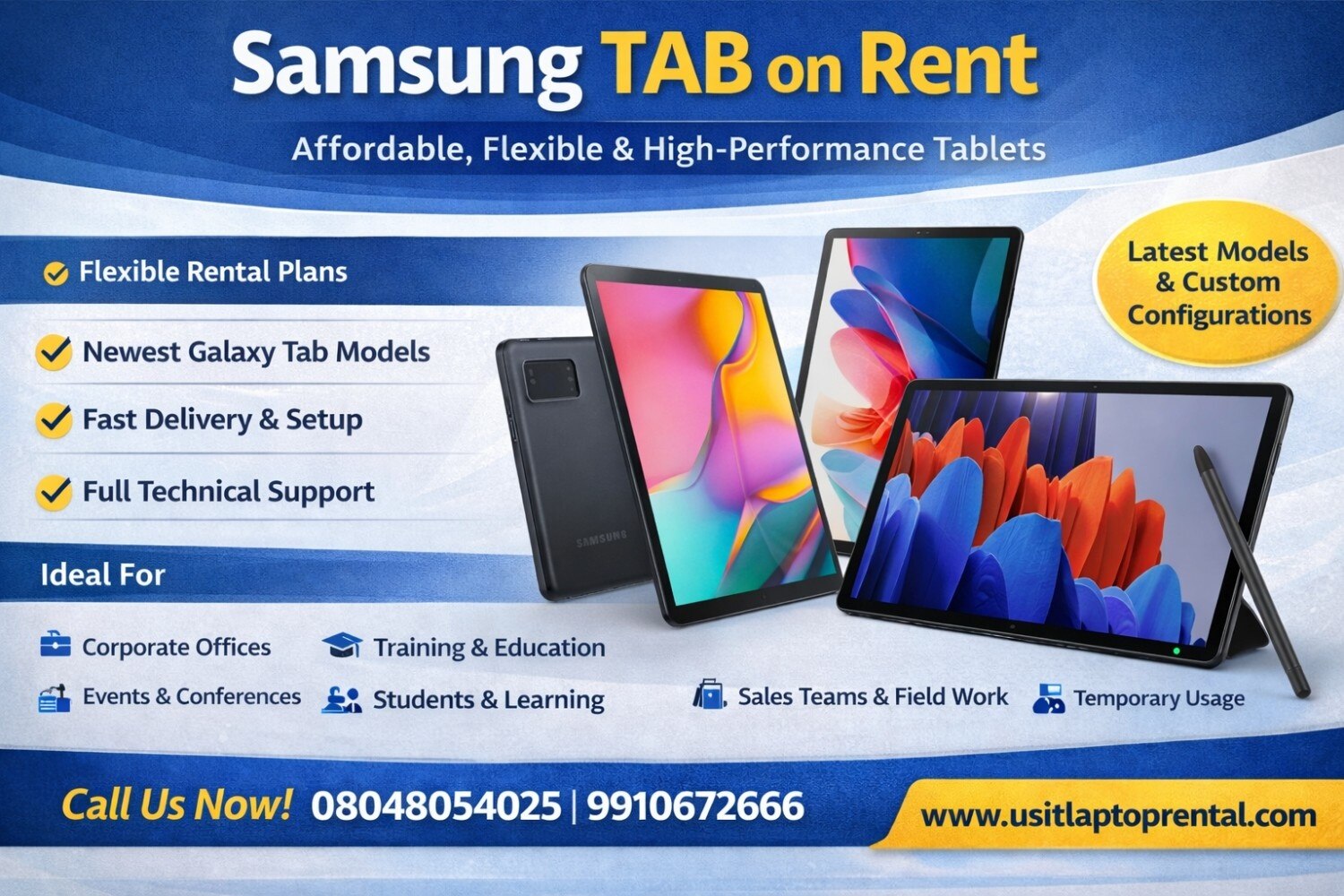 | Samsung TAB on Rent | Affordable, Flexible & High-Performance Tablets Looking for a Samsung TAB on rent for business, education, events, or personal use? US IT Services... View product → |
How should you inspect and secure a rented tablet?
On arrival, treat the handover as an acceptance test, not a quick power-on. This protects a business tablet rental from hidden faults and gives a tablet rental for startups a defensible record.
1. Record the exact model, serial number, and IMEI. Test the screen, touch response, cameras, speakers, microphones, USB-C port, charging, battery condition, Wi-Fi, mobile data, Bluetooth, biometrics, and S Pen. Check for cracks, swelling, dead pixels, port damage, and missing accessories. Photograph every defect and obtain written acceptance.
2. Before employee use, create separate work accounts. Apply a strong screen lock, encryption, mobile-device-management policies, remote wipe, approved applications, and least-privilege access. Test that the policies actually apply.
3. Decide in writing whether your startup or the supplier owns the Android Enterprise, Samsung Knox, Google Workspace, or Microsoft Intune enrollment and licenses. Require zero-touch or equivalent enrollment when appropriate; otherwise the device can remain tied to the wrong management tenant.
4. At return, retire work profiles, revoke accounts, certificates, and tokens, remove the device from Android Enterprise and Knox inventories, and reconcile the serial number and IMEI. A factory reset alone does not prove sanitization.
5. Request a reset or sanitization record using NIST SP 800-88 Rev. 1 terminology: clear, purge, or destroy. Ask how staff handle removable media, eSIMs, and damaged units, and who verifies completion before reassignment. Keep the record with the rental agreement.
What should you validate before a Gurugram office rollout?
A rollout works only when the tablet survives your office network, field conditions, and failure policy—not merely a successful demonstration.
1. Test temporary devices at the planned office access-point density. Verify WPA2 and WPA3 connections, captive-portal behaviour, certificate authentication, VPN access, guest VLAN rules, printing, and each video-conferencing platform. A tablet that works on home Wi-Fi can fail behind enterprise identity controls.
2. Check cellular coverage at every Gurugram field location and test hotspot fallback outside the office. Budget SIM provisioning, APN configuration, monthly data, and overage usage for LTE or 5G models.
3. Put resilience in writing: define the spare pool, maximum swap time, charger and S Pen replacement prices, battery-failure treatment, and the minimum number of working devices required each day. A covered tablet is still a failed deployment if a worker waits two days for a charger.
4. Add the exact model, Android version, security-patch level, accessories, management owner, Samsung security-support end date, and return or resale assumption to the project schedule. Recheck Samsung’s published update scope for the model and region.
For a Samsung tab on rent or buy for startups Gurugram decision, rent Samsung tablets for office deployment when demand ends with a pilot, event, training batch, client project, or uncertain headcount. Buying gains strength when utilization continues across several projects and you can fund repairs, updates, security management, and resale.
Recalculate if the project extends, headcount changes, or late fees appear. Use productive months, not employee count, as the deciding measure.
Frequently asked questions
When does renting Samsung tablets cost less than buying?
Renting costs less when the project has a defined end date and the tablets will not deliver continuous use across multiple projects. Compare total rental months with the tablets’ productive-use period, not employee count.
Which Samsung tablet configuration fits a startup’s work?
Choose the configuration by workload: screen size for field or desk use, RAM and processor for multitasking, storage for local files, and Wi-Fi or cellular connectivity for the work location.
What must a written Samsung tablet rental quote include?
Ask for the model, quantity, rental period, monthly or project price, taxes, accessories, delivery, setup, replacement terms, damage charges, security deposit, support contact and return conditions.
What should you validate before a Gurugram office rollout?
Test the tablet condition, battery, screen, ports, cameras, charger and connectivity. Confirm user accounts, mobile-device security, Wi-Fi coverage, delivery timing, asset records and the return process before deployment.
Keywords