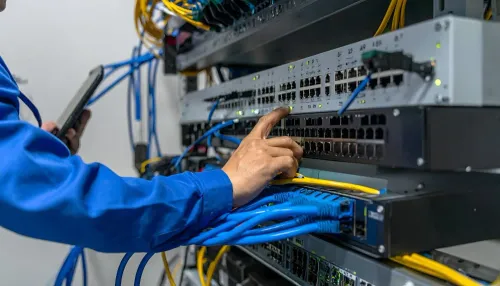
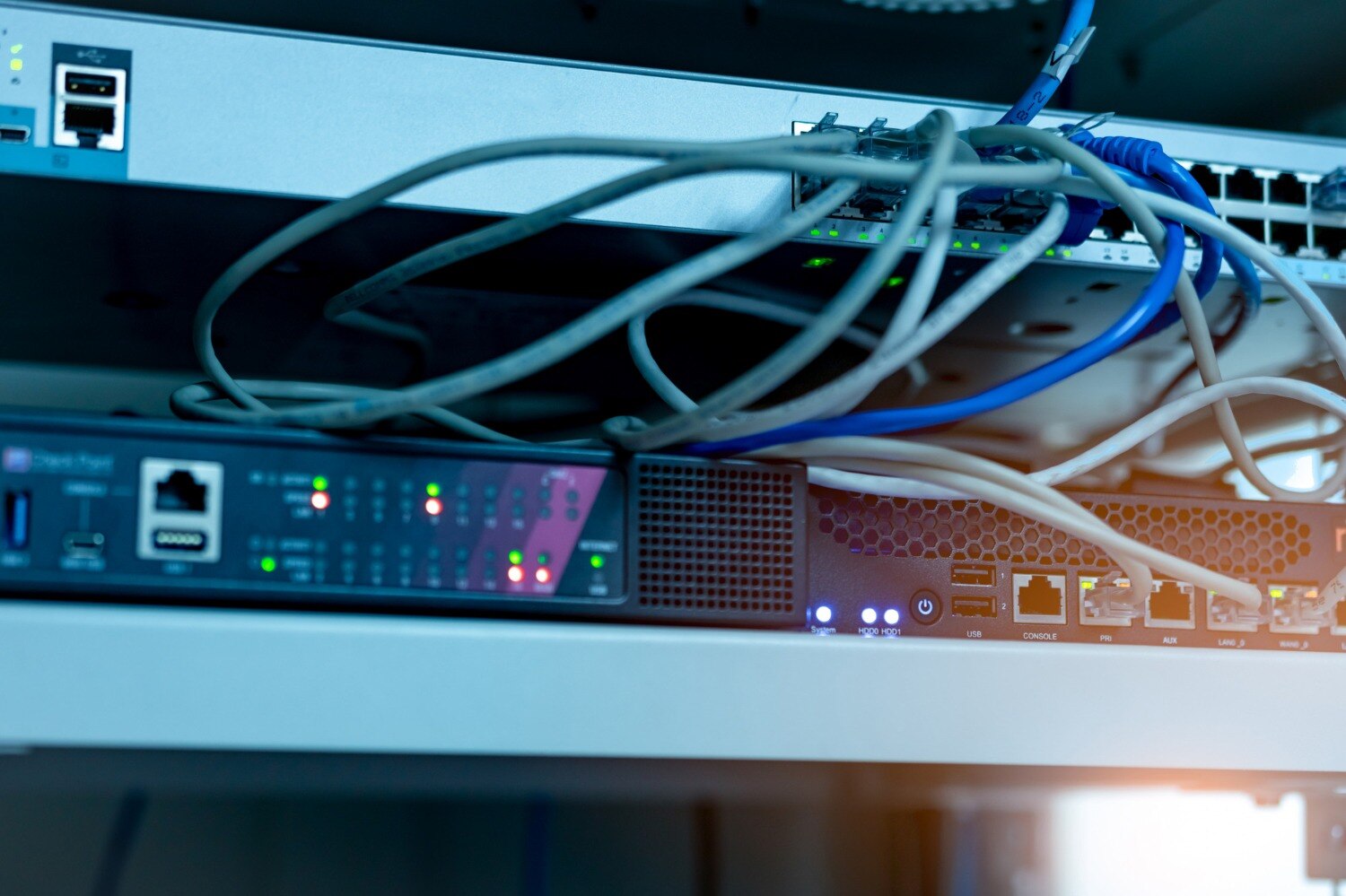
Rain can damage a temporary network before anyone sees standing water: wind-driven spray enters through cable openings, condensation forms inside a cold device, and storm-related power changes trigger shutdowns. By planning placement, airflow, cable routes, inspections and escalation steps, you can keep a rented installation operating and create clear evidence if equipment needs inspection or replacement.
Key takeaways
- Raise powered equipment above the highest credible water level before storms.
- Protect airflow with a roof or canopy, not sealed plastic wrapping.
- Inspect power leads, humidity, leaks and cable routes at every daily check.
- Isolate wet devices and cables; never power them on for testing.
Where Gurugram rain reaches network equipment first
Raise every powered device above the highest credible water level before the first storm: a rack, wall mount or raised, ventilated platform is safer than a desk or floor. Gurugram rain can reach floor-level equipment through roof leaks, open windows, dripping pipes, air-conditioner drain lines, cleaning water and cable openings before anyone notices a puddle.
- Walk the temporary site during rainfall if possible. Mark windows, exterior walls, roof joints, ceiling tiles, pipework, AC drain lines and doors where wind-driven rain could enter.
- Place routers, switches, UPS units and power strips away from those paths. Keep the lowest power plug, socket and electrical connection above the site’s credible flood or leak level.
- Mount access points below a sound ceiling and away from roof penetrations. Inspect the cable route too; water can travel along a cable into a port even when the device is sheltered.
- Leave the manufacturer’s clearance around vents and fans. Treat ordinary indoor-rated equipment as indoor equipment; an awning does not make a rack switch or router rainproof.
Record model and serial numbers, existing marks, port and power-supply photos, installed transceivers, cable labels and the configuration backup at handover. This makes network equipment on rent maintenance in gurugram rain traceable when a wet device, pre-existing fault or field replacement is reported. Verify earthing and overcurrent protection separately with a qualified electrician.
How to protect equipment from rain without blocking airflow
A canopy blocks falling rain, not wind-driven spray. Use a rigid, roofed enclosure with a sloped top, drainage, and a splash shield on the exposed side; raise it above the floor and leave the manufacturer’s clearance around every intake and exhaust.
Do not wrap powered equipment in airtight plastic: it can block cooling airflow and trap humid air.
Use this installation procedure:
- Face the enclosure’s intake away from the prevailing rain and shield the exhaust from direct spray without enclosing it. Keep the doors serviceable so you can see condensation, droplets, water trails, or corrosion.
- Route each cable downward before it enters the enclosure, forming a drip loop so water falls below the entry point. Use a correctly sized cable gland or sealed entry plate, but do not crush cables or seal over a drain path.
- Mount a hygrometer inside the room and follow the rented model’s operating limits, especially its “non-condensing” humidity specification. A Cisco Catalyst 9300 configuration, for example, lists 10–95% relative humidity without condensation; that figure does not apply to every model.
- Let cold equipment reach the permitted ambient temperature before energising it. If moisture is visible, isolate the device for inspection instead of powering it to test the connection.
- Inspect the enclosure, cable entries, roof, and equipment after every heavy-rain event. Increase checks while rain is active or after any water ingress.
Surge protection does not make wet hardware safe. Keep airflow, drainage, and inspection access intact to protect network equipment from rain while staying within its operating limits.
How to manage power, humidity and daily checks during a rainy project
Use a daily inspection routine, correctly earthed distribution, overcurrent protection and site-suitable surge protection to reduce failures during a multi-day installation. For network equipment rental maintenance in Gurugram, follow the manufacturer’s temperature, humidity, clearance and cleaning limits; increase checks during active rain, after water ingress and after a power event.
Check the installation at the start of each shift and again after heavy rain:
- Read the hygrometer and look for condensation, damp surfaces, dripping pipes, wet cable entries, loose plugs, tripped protection and unusual UPS alarms.
- Confirm ventilation openings are clear and cables have no low points that can carry water towards ports.
- Record device status, indicator lights, link faults and UPS input/output readings before resetting anything.
- Photograph and label any changed condition. Never repeatedly reset a tripped residual-current device; moisture or leakage requires isolation and electrician inspection.
- Compare the equipment and cables with the handover record, including serial numbers, port and power-supply photos, transceivers, labels and configuration backup.
| Control | What to verify | What failure means |
|---|---|---|
| Residual-current device | Test by a qualified electrician; confirm correct earthing | Repeated trips indicate leakage, not a reset procedure |
| Surge protection | Correct rating and connection to the earthed distribution | It cannot make wet equipment safe |
| UPS | Battery, load, bypass and alarm status | Low runtime or bypass leaves equipment exposed to outages |
| Hygrometer | Room reading against manufacturer limits | Rising humidity demands closer inspection and controlled shutdown planning |
What to do when a rented device or cable gets wet
A wet switch is an electrical hazard, not a troubleshooting prompt. Keep people away from the area, stop traffic through the affected cable, and do not touch exposed connectors or power supplies while anything is energised.
- Stop using the device or cable immediately.
- Disconnect power only when you can do so without touching wet surfaces or exposed conductors; use a qualified electrician for a temporary outdoor supply.
- Do not repeatedly reset a tripped residual-current device. The trip indicates leakage or another fault.
- Label the item “wet” or “suspected water damage” and separate it from dry equipment.
- Photograph the water, enclosure, ports, power supply, cable route and any corrosion before moving anything.
- Do not open the casing, use a heat gun or hair dryer, or swap internal parts. Heat can damage components, and unauthorised work can invalidate support or destroy evidence.
Rain damage is more likely when moisture, a tripped protection device, corrosion, or a failure immediately follows a leak or storm. A dry device that has stable power but no link can indicate a cable, transceiver, configuration or upstream network fault; test those only with approved dry equipment, never by reconnecting the wet item.
Send the provider the model and serial number, asset-condition photos, installed transceiver details, cable labels, configuration backup, failure time and power-event notes. US IT Services 09910672666 can then apply its rented network equipment support process and confirm an approved inspection or replacement instead of an improvised repair.
Related product
 | Networking Equipment on Rent | Reliable & Scalable IT Solutions Looking for networking equipment on rent for office, corporate, events, or temporary projects? US IT Services... View product → |
How to prepare the rain-response plan and rental handover
Before delivery, agree who can isolate power, who approves a replacement, and how quickly the supplier must respond. Set an escalation contact for active rain, water ingress, repeated RCD trips and utility surges. Treat network equipment rental maintenance Gurugram as a response plan, not a fixed monthly visit.
- Record each model and serial number, asset condition, photographs of ports and power supplies, installed transceivers, cable labels and the configuration-backup location.
- Define the handover acceptance check: power-on status, link tests, accessory count, manufacturer temperature and humidity limits, ventilation clearance, and any pre-existing marks.
- State the replacement process in writing, including approval authority, delivery address, transport responsibility, response window, spare-device availability and who restores the configuration.
- Agree the inspection trigger: increase checks during active rain, after water ingress or a power event, and wherever cable routes or utility power are exposed.
- Assign a qualified electrician to verify temporary outdoor power, earthing, bonding, overcurrent protection and surge protection before connection.
Budget the likely failure, not just the rental: emergency transport, field labour, replacement cables or transceivers, temporary spares, data recovery and project downtime. The handover record then distinguishes rain damage from pre-existing damage and lets network equipment on rent maintenance in Gurugram rain proceed without waiting for basic facts.
Never energise visibly wet equipment; isolate it and arrange inspection.
Frequently asked questions
Where does rainwater reach network equipment first in Gurugram?
Check floor-level equipment near roof leaks, open windows, dripping pipes, air-conditioner drain lines, cleaning water and cable openings. Raise every powered device above the highest credible water level.
How can you protect network equipment from rain without blocking airflow?
Use a rack, wall mount or raised ventilated platform with a roof or canopy above it. Keep ventilation openings clear and route cables through sealed openings instead of wrapping equipment in airtight plastic.
What should you check daily during a rainy network project?
Inspect power leads, sockets, UPS units, humidity, condensation, roof and pipe leaks, air-conditioner drain lines, cable entries and equipment temperature. Record each check and act on water or condensation immediately.
What should you do when a rented network device or cable gets wet?
Disconnect power if it is safe, isolate and label the item, keep it out of service, and contact the rental provider. Do not switch on a wet device or test a wet cable.
What belongs in a rain-response plan and rental handover?
Record equipment locations, raised mounting points, power isolation steps, inspection times, escalation contacts, photographs and the condition of every device and cable at handover.
Keywords