A startup team needs more than a tablet count: the wrong model, connectivity type, account setup or accessory package can disrupt a demo, field shift or registration desk. By the end, you will be able to match tablet tasks to the right hardware, calculate a practical allocation, check a rental handover and deploy shared devices without exposing company data.
Key takeaways
- Use tablets for field work, visual reviews, forms, and shared presentations.
- Choose storage, connectivity, keyboards, cases, and quantities by workflow.
- Check chargers, accessories, device condition, and software before deployment.
- Record users, serial numbers, security settings, and return condition.
Match startup work to the right device
A Samsung tablet suits mobile, visual, and shared workflows; it becomes the wrong tool when work depends on sustained typing, complex spreadsheets, or software development.
| Device | Best startup work | Choose it when | Limitation |
|---|---|---|---|
| Samsung tablet | Customer demos, investor presentations, event registration, field surveys, onboarding, shared dashboards, point-of-sale workflows, and temporary project collaboration | Staff need touch input, portability, camera access, or a quick handover between users | Long documents, large spreadsheets, coding, and multi-window research become slower |
| Rented laptop | Coding, bookkeeping, spreadsheet modelling, CRM administration, proposal writing, and keyboard-heavy operations | A role spends hours creating, analysing, or entering structured information | Less convenient for queues, walk-around demos, and counter service |
| Personal phone | Calls, two-factor authentication, messaging, route checks, and brief approvals | The task uses little business data and the employee already has a suitable phone | Small screens, mixed personal data, and inconsistent apps weaken shared work |
For tablets for new business teams, assign devices to the workflow rather than giving every person the same hardware. Event staff, trainers, sales demonstrators, and field workers gain more from tablets than founders who spend the day in documents or code.
- Rent tablets for customer-facing stations, surveys, presentations, and temporary teams.
- Rent laptops for developers, finance staff, operations leads, and anyone maintaining detailed CRM or spreadsheet records.
- Use personal phones only for low-risk communication or authentication; do not make them the main device for customer records or payment operations.
A tablet also fails as a field tool without the required SIM, data plan, application access, and charging arrangement. Test the actual workflow before allocating units.
Choose the specification and team allocation
Specify the exact device before requesting a quote. For samsung tab on rent in gurugram for startups, name the model, RAM, storage, processor, screen size, Android version, security-patch date, and whether it is Wi-Fi-only or LTE/5G. “Samsung tablet” is not a deployment specification.
| Option | Specification choice | Best fit | Allocation rule |
|---|---|---|---|
| Wi-Fi model | 4–6 GB RAM, 64–128 GB storage | Office dashboards, kiosks, presentations and controlled events | One per active station, plus a shared spare |
| LTE or 5G model | 6–8 GB RAM, 128 GB storage, compatible SIM | Field surveys, sales visits and distributed teams | One per field worker; record the SIM number and IMEI |
| Higher-specification model | 8 GB RAM or more, larger display, S Pen or keyboard support | Design reviews, detailed demos and executive presentations | Reserve for roles that use the feature daily |
Match RAM and storage to workload, not job title. CRM forms and dashboards need less capacity than offline video, large catalogues or several business apps running together. Check battery capacity, USB-C charging, case protection and S Pen compatibility before choosing a cheaper model.
Allocate one tablet to each person who must work simultaneously, then add one tested spare for every ten units. Give event staff one device per registration or payment station, field workers one each, trainers one per active learner group, and founders only shared or individual units when they need independent access.
Choose cellular units only after confirming SIMs, data plans and coverage. Include chargers, cases, keyboards or styluses, delivery, pickup and replacement costs in the comparison; the lowest tablet-only quote can be the most expensive kit.
Check the complete rental kit before booking
Before you accept a rental, confirm the complete kit against your team’s actual workflow, not just the tablet’s screen size. For samsung tablet hire for startups, a low daily rate can become expensive after adding chargers, cables, cases, screen protection, keyboards, S Pens, SIM data, delivery, pickup and damage liability.
1. Request the exact model code, RAM, storage, processor, Android version, security-patch date and battery capacity. Confirm whether each unit is Wi-Fi-only or has LTE/5G, and check S Pen support if handwriting or signatures matter.
2. Test the proposed model before accepting the full batch. Sign in to your SaaS tools, VPN and video meetings; test barcode or NFC hardware, printers, browser workflows and any app with minimum Android or screen-size requirements. A tablet that powers on can still fail your project.
3. Match every serial number or IMEI to the handover sheet. Record screen marks, dents, ports, battery condition, SIM tray, charger, cable, case and stylus, then photograph each unit.
4. Ask for Google Play Protect or Google Play certification, current security updates and a factory-reset device with no previous Google or Samsung account attached. Agree whether Samsung Knox Mobile Enrollment links the tablets to your MDM, the provider’s MDM or no MDM; enrollment requires the organisation’s account and internet access.
5. Get replacement timing, support hours, fault handling, delivery and pickup dates, cancellation rules, damage charges and lost-accessory fees in writing. Confirm the return reset process removes every account before billing ends.
Prepare an urgent Gurugram deployment
An urgent Samsung tab rental should start with one pilot unit, not a full shipment.
Run the real workflow on the proposed model: sign in, enrol it in mobile-device management, open the browser-based SaaS, test VPN access, scan barcodes or NFC tags, print receipts, join a video call, and confirm every Android app meets its minimum OS and screen-size requirements.
Use this comparison before choosing the remaining units:
| Option | What you gain | What you risk |
|---|---|---|
| Standard ready stock | Faster Gurugram delivery and simpler replacement | The model, RAM, storage, Android version or colour may differ from your plan |
| Specific configuration | Exact RAM, storage, Android version, security-patch date and 5G/LTE capability | Preparation or sourcing can delay deployment |
| Wi-Fi model | Suitable for a controlled office, event or kiosk network | It fails when staff need connectivity away from that network |
| Cellular model | Field access through LTE or 5G | You still need compatible SIMs, data plans, IMEI tracking and number assignment |
Put these terms in writing before dispatch:
- Delivery and pickup windows, the complete Gurugram address and an escalation contact
- Replacement time for a failed tablet during the event or work shift
- Exact model number, connectivity type and security-patch date
- Whether the pilot unit matches the batch you will receive
US IT Services 09910672666 can be asked to confirm ready stock against the pilot’s model number, rather than accepting “Samsung tablet” as the specification. If the workflow passes but the requested configuration is delayed, approve standard stock only after recording the compromise and replacement plan.
Related product
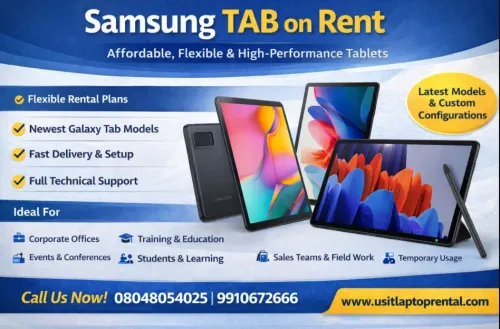
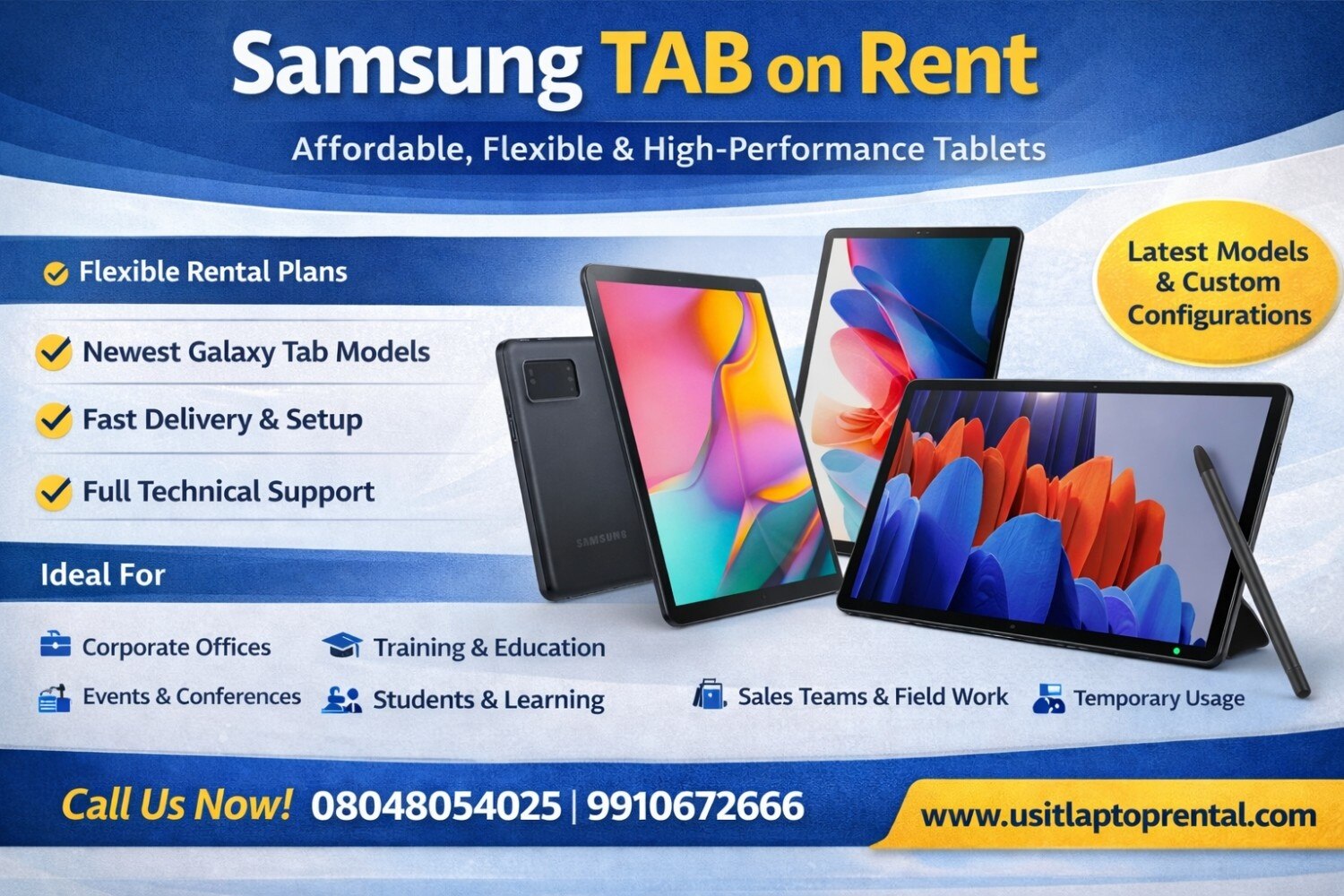 | Samsung TAB on Rent | Affordable, Flexible & High-Performance Tablets Looking for a Samsung TAB on rent for business, education, events, or personal use? US IT Services... View product → |
Secure shared tablets and close the rental cleanly
Choose the Android Enterprise mode before handing out a tablet: use a work profile for an employee’s assigned device, and fully managed or dedicated-device mode for contractors, event registration, POS, kiosks and shared dashboards. A shared Google account blurs responsibility and leaves business data exposed after staff changes.
For a startup tablet rental gurugram deployment, whitelist only the required apps, block unknown-source installs, require a screen lock, and set automatic updates. Dedicated-device mode can lock an event tablet to one app or a controlled app set.
Confirm Google Play Protect or Google Play certification, current security patches, and removal of any previous Google or Samsung account before acceptance.
Agree who controls management before delivery. Samsung Knox Mobile Enrollment can place eligible tablets into your MDM during setup, but the device must be linked to your organisation’s enrollment account and connected to the internet. Record each user, asset tag, serial number, and, for cellular units, SIM, phone number and IMEI.
Use this return checklist:
- Remove the employee’s work profile or the contractor’s managed account.
- Revoke MDM access, tokens, certificates and application sessions.
- Wipe business data through the MDM, then perform a factory reset.
- Remove Google and Samsung accounts so Factory Reset Protection does not block reuse.
- Check encryption and confirm the reset reaches the initial setup screen.
- Obtain written confirmation of the reset, accessories returned and device condition.
Encryption protects stored files; it does not complete offboarding. Insist on the written record before the tablet changes hands.
Frequently asked questions
Which startup workflows suit Samsung tablets?
Samsung tablets suit mobile, visual, and shared workflows such as presentations, field forms, site checks, and content review. Choose laptops for sustained typing, complex spreadsheets, or software development.
How should a startup allocate tablets across its team?
Assign tablets by task rather than title. Confirm each user’s required screen size, storage, Wi-Fi or mobile connectivity, keyboard, case, and application access before booking.
What should you check in a Samsung tablet rental kit?
Check the tablet model, serial number, screen and port condition, charger, cable, protective case, keyboard, connectivity, battery level, operating-system updates, and required apps.
How can you prepare an urgent Samsung tablet deployment in Gurugram?
Prepare a user list, delivery address, application list, account details, accessories, and security settings before requesting the rental. Test every device as soon as it arrives.
Keywords